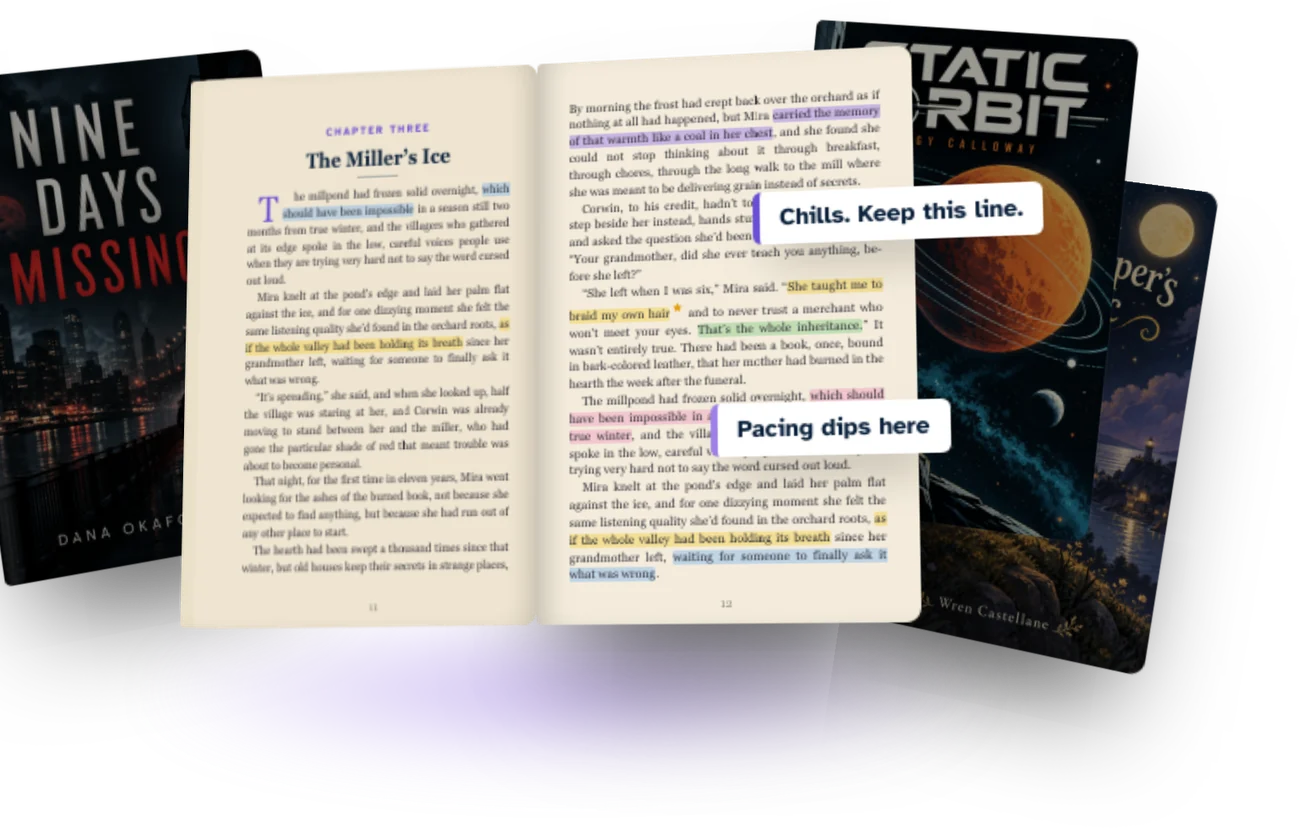
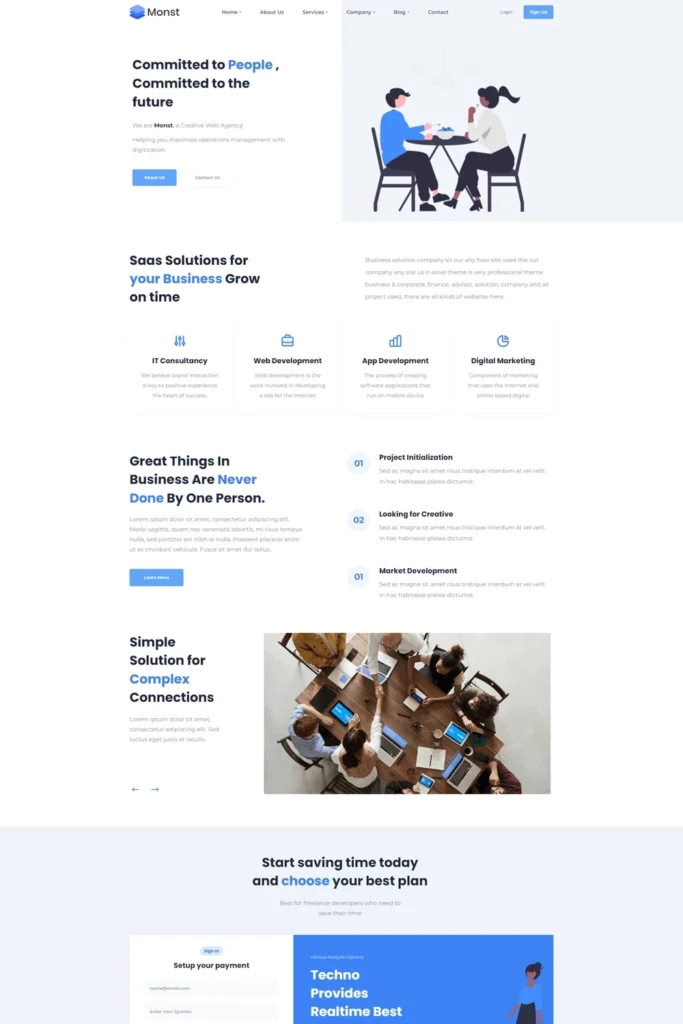

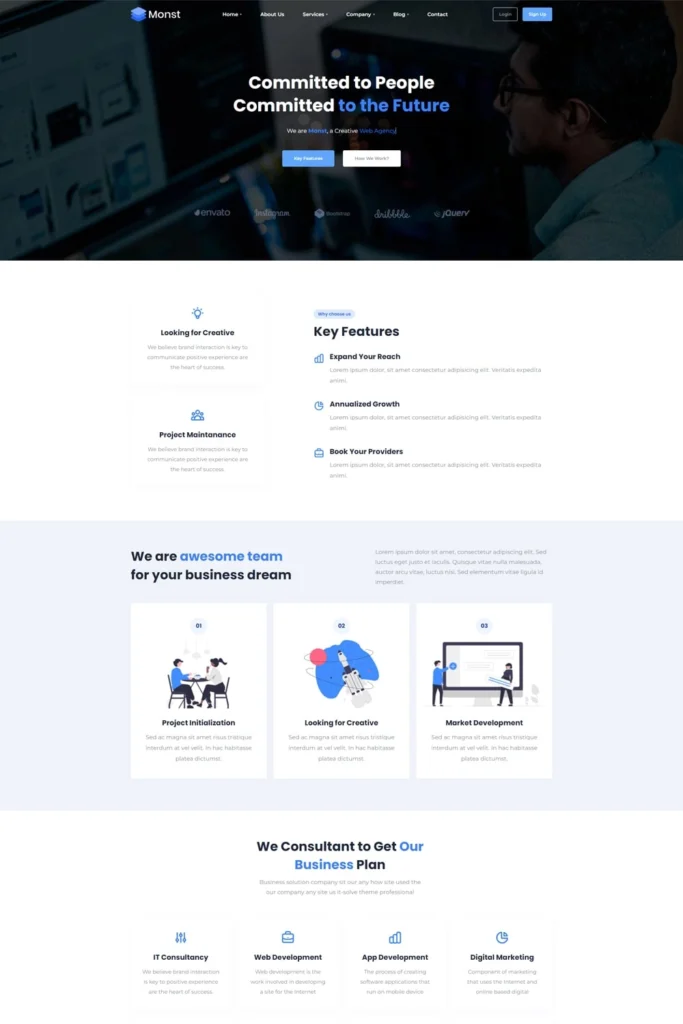
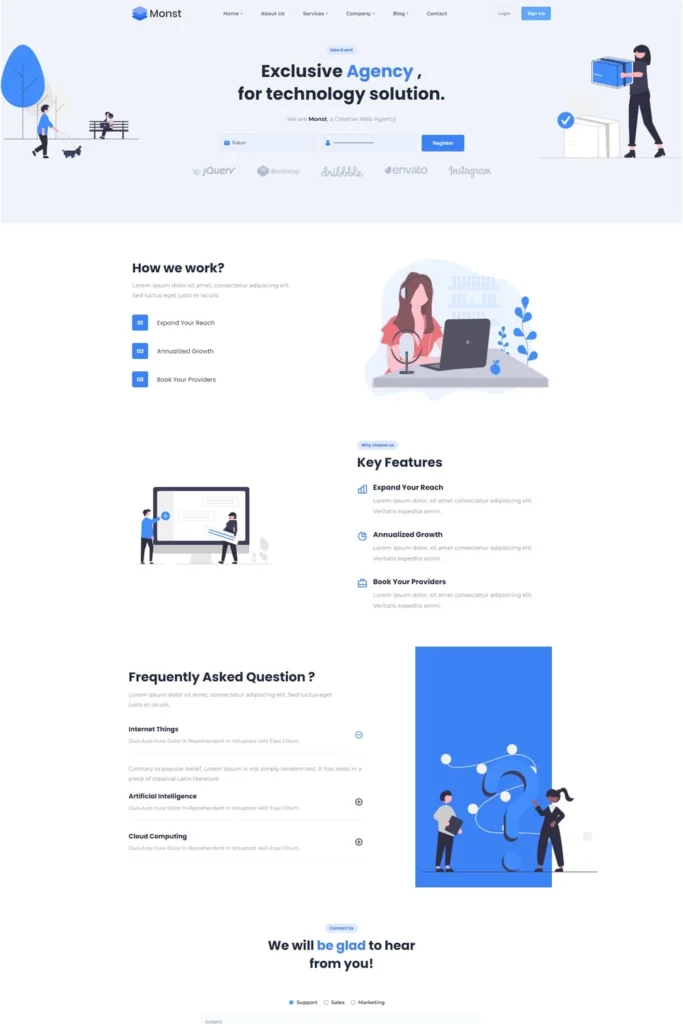










Demos
Ready to use Demos

Here are example of predefined demo sites
that can be imported within one click.

Demo 1
Demo 2
Demo 3
Demo 4
Demo 5
Demo 1
Demo 2
Demo 3
Demo 4
Demo 5
patttern image
Pacing · Chapter 12
Finished the round
Character · Major
icon
250

Reader capacity

icon
60+

In one manuscript round

icon
UNLIMITED

Feedback rounds

icon
FREE

To join

Before BetaReadIt

One beta read, four kinds of headache.

The manuscript leaves by email, and from that moment everyone involved is guessing.
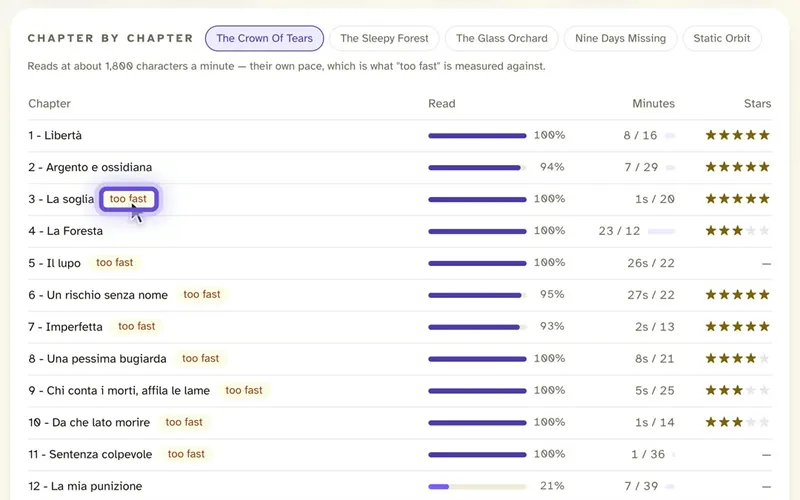
Chapter by chapter reading progress for each reader
Authors

Did anyone actually read it?

You send the file and wait. Weeks later a few replies trickle in, and you still can’t tell who stopped at chapter two.

See who is reading, how far they got and what they marked.
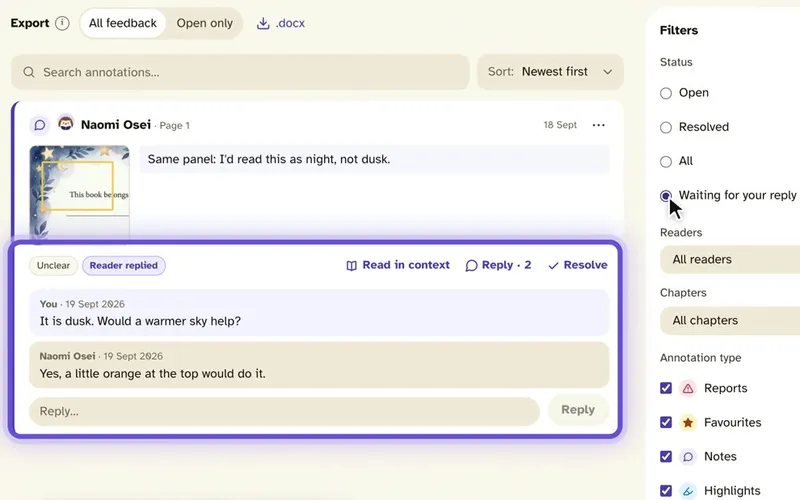
Reader feedback in one list with filters
Editors

Notes in five different places.

Emails, tracked changes, screenshots, a voice message. Pulling them together takes longer than reading them.

Every note sits on the line it belongs to, sorted by chapter and reader.
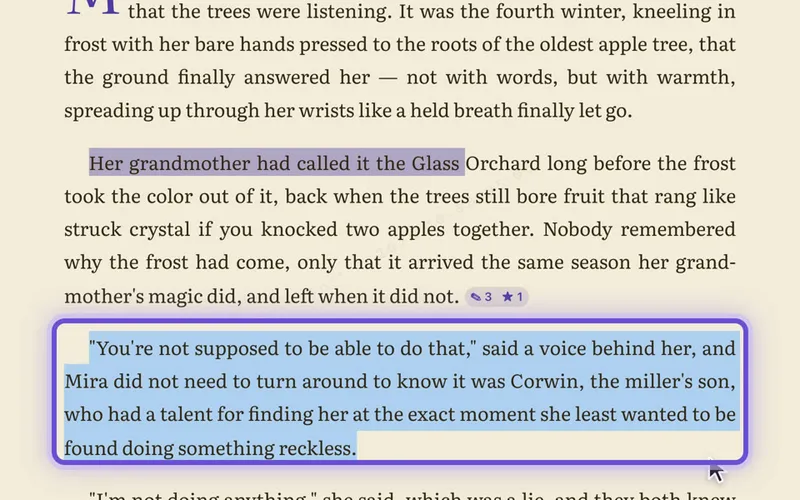
A protected manuscript page where copying is blocked
Publishers

An unpublished title, out of your hands.

Once a manuscript is an attachment, you can’t see who forwarded it and you can’t take it back.

Readers read in the app: nothing to download, a watermark on every page, access you can revoke.
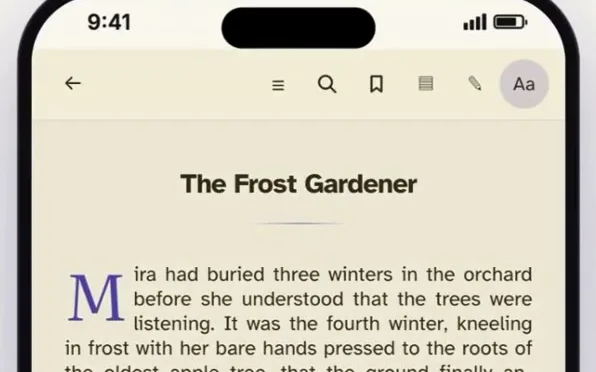
A chapter open in the BetaReadIt reader on a phone
Beta readers

A favour that feels like homework.

A long Word file on a small screen, and comments typed into a separate document.

A real reading app on any device, with notes left right on the page.

From draft to decision

Four steps. No spreadsheet required.

Dashboard

Every project. At a glance.

One home for the whole list, so the morning check takes a minute.

  • Each manuscript with its reading progress, readers, notes and reports.
  • How the chapters landed: star ratings, the most annotated chapters and the most reported passages.
Feedback

Feedback you can actually use.

Every note in one queue, filtered by reader, chapter or type.

  • A Waiting for your reply filter shows which readers are still waiting on you.
  • Reply and resolve on the note itself. One click opens it in context.
Export

Take it back to Word.

Export a .docx with every reader’s note as a real Word comment, right next to the line it belongs to.

  • Choose open notes only, or all feedback.
  • Edit in the tool your editors already use.
Protection

Reading stays protected. Never downloadable.

  • Readers accept a confidentiality agreement before they open any manuscript.
  • No download button. Copy, print and right-click are switched off while reading.
  • Every page carries a quiet watermark: the reader’s masked email and the time.
  • Take a reader’s access away at any moment.
For your readers

Like a Kindle,
but better.

A beta read is a favour. Readers set the page up the way they like to read, and every note they leave lands with you.

5 themes7 fontsText sizeLine spacingMarginsScroll or paged
See what readers get →
Anywhere

Read. Review. Manage. Anywhere.

Laptop, tablet or phone. Readers pick up where they stopped, and the team works from the same place.

Ready when you are

Give your next manuscript the reading round it deserves.

Start with one manuscript and five readers, free. Beta readers always read for free.