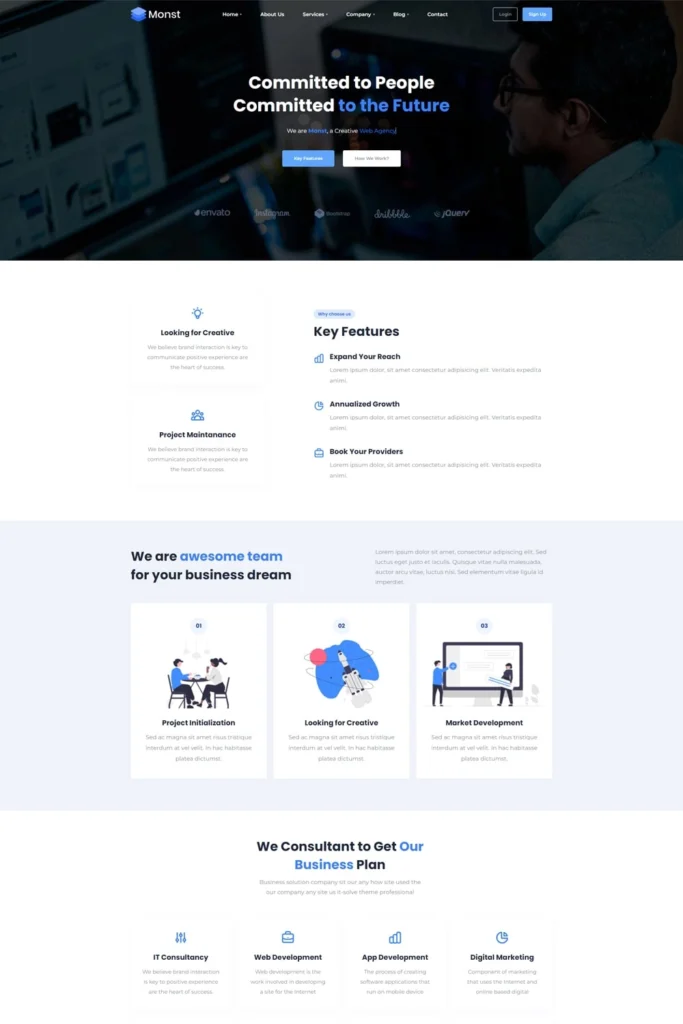
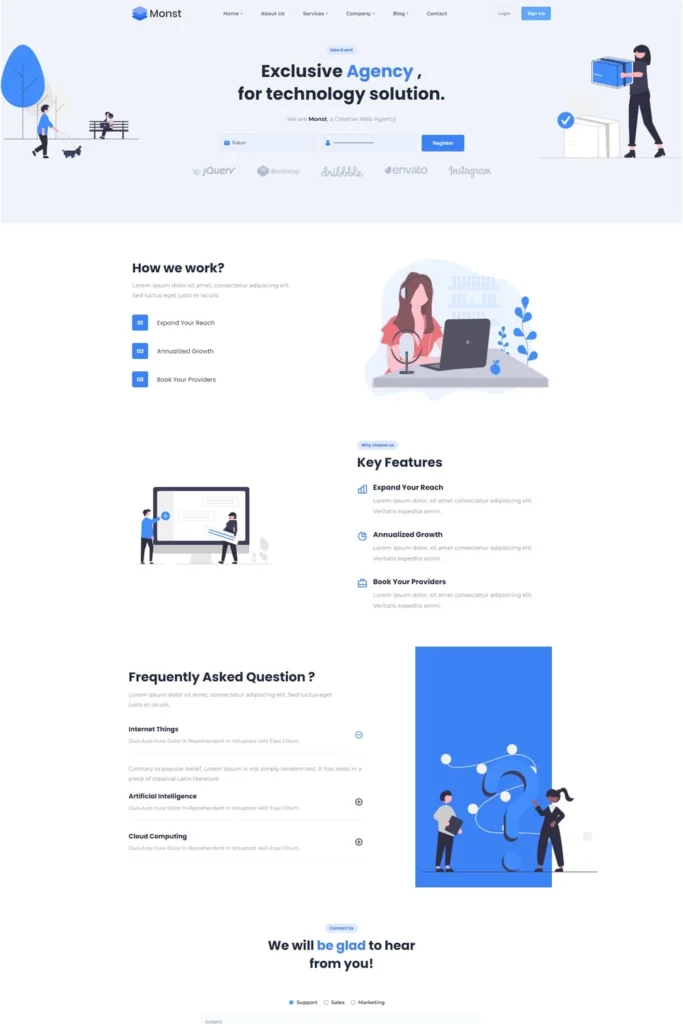
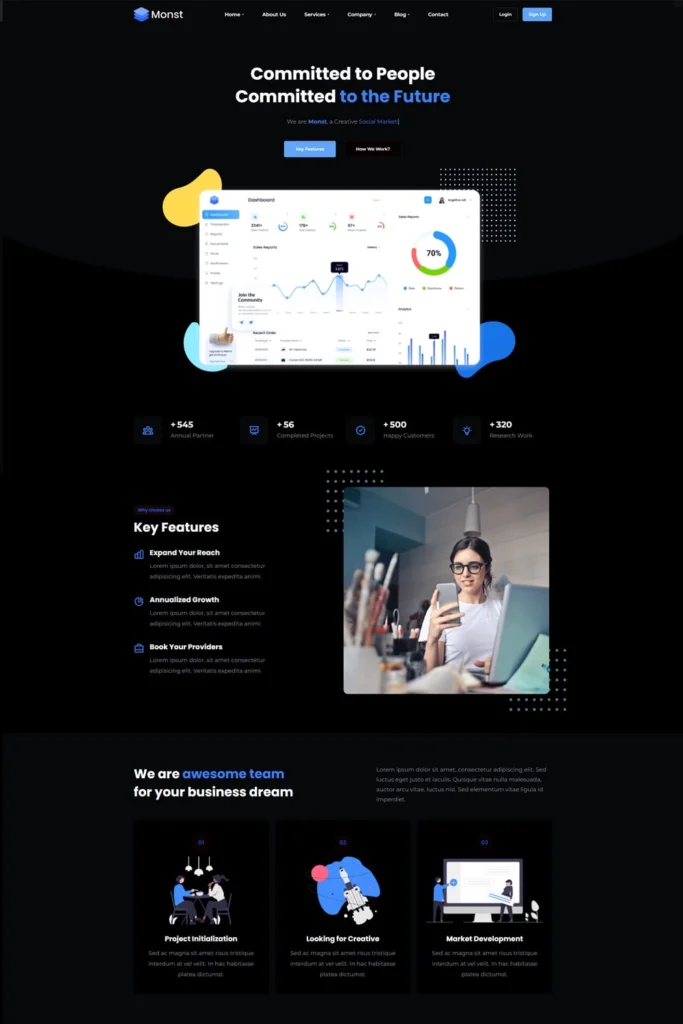
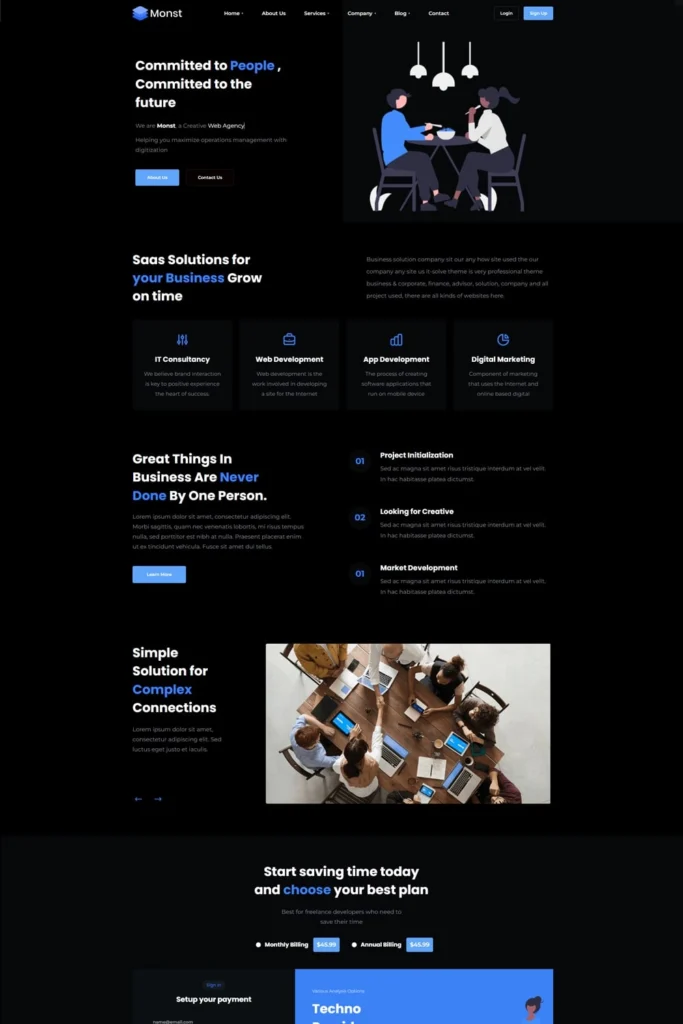
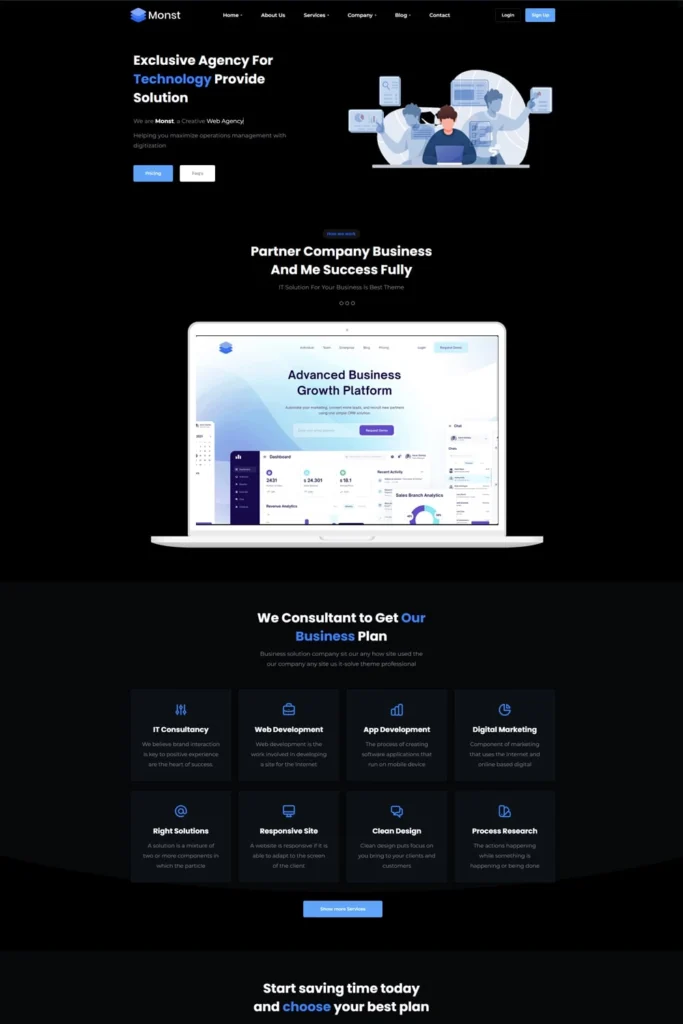
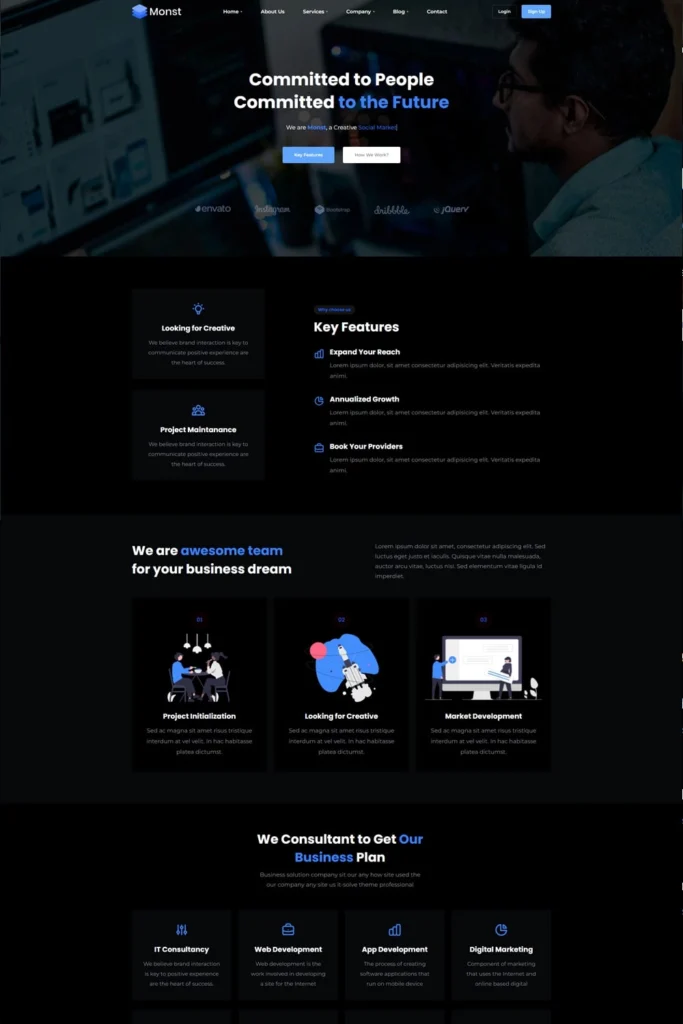
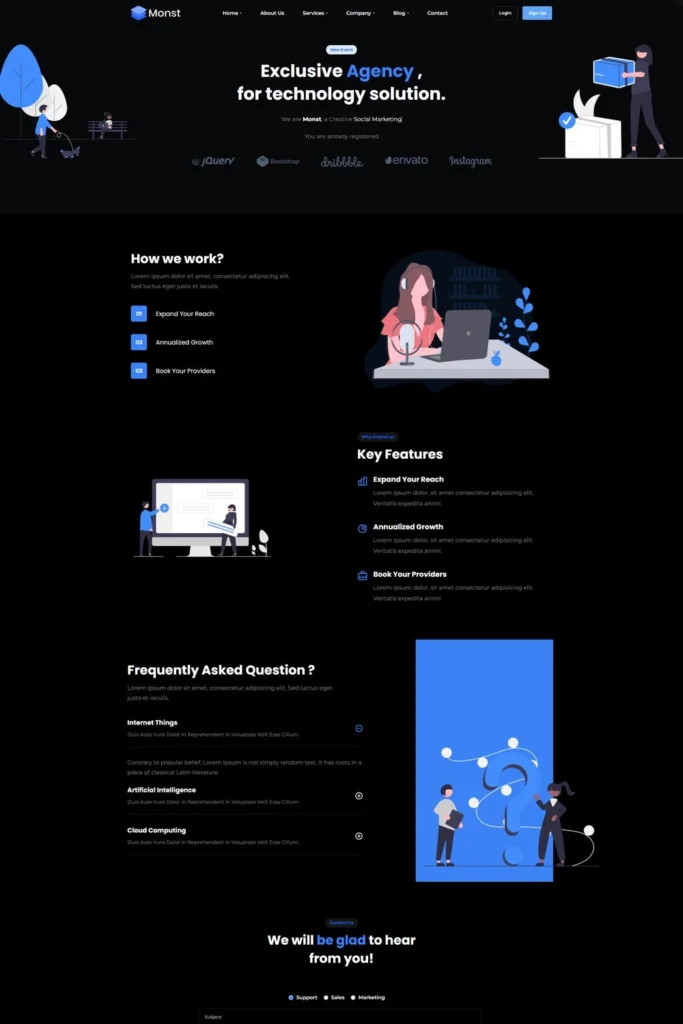
Demos
Ready to use Demos

Here are example of predefined demo sites
that can be imported within one click.

Demo 1
Demo 2
Demo 3
Demo 4
Demo 5
Demo 1
Demo 2
Demo 3
Demo 4
Demo 5

For authors, publishers & editorial teams

One private system for every stage of your beta round.

From your first manuscript to a full catalog under contract, BetaReadIt keeps access controlled, feedback structured, and every round connected to the last.

For Authors

You've finished a draft and need real, structured feedback before you go further.

For Publishers

You're running beta rounds across multiple titles and collaborators, and need one system, not ten inboxes.

What you get

Everything a beta round needs. Nothing it doesn’t.

Import

Import in minutes. Chapters detected for you.

Bring in .docx, .epub, .odt, .pdf, .rtf, .txt or Markdown. Illustrated books and comics come in as images, a folder or a ZIP.

  • Rename, merge and split chapters until the book is exactly as you want it.
  • Nothing is shared until you publish.
Readers

Choose who reads what. Know who finished.

Chapter by chapter: how far each reader got, the minutes they spent and their rating.

  • Chapters read too fast for that reader’s own pace are flagged, so a skim never passes as a read.
Notes in context

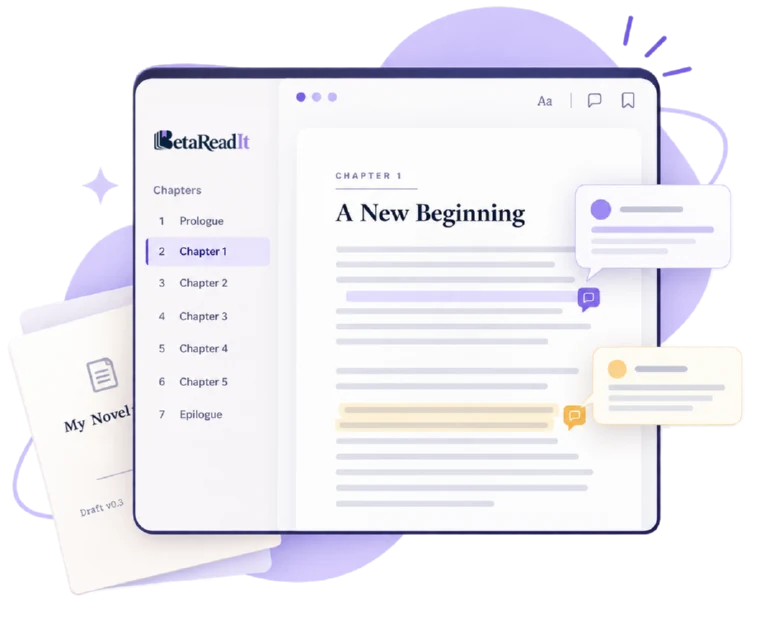
See the book the way your readers marked it.

Every mark sits on the manuscript itself, with the conversation beside it.

  • Notes on the exact words, with quick tags.
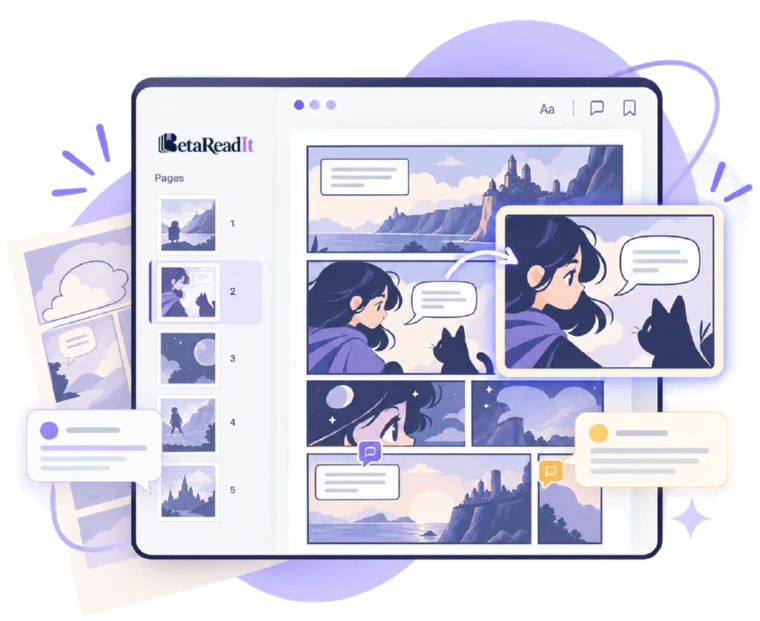
  • Illustrated books and comics too: notes pin to the spot on the page, with a heatmap.
Feedback

Feedback you can actually use.

Every note in one queue, filtered by reader, chapter or type.

  • A Waiting for your reply filter shows which readers are still waiting on you.
  • Reply and resolve on the note itself. One click opens it in context.
Survey

One survey at the end of the book. Every answer in one place.

Write your own questions once. Readers answer when they finish, and the replies land in Feedback, next to their notes.

Versions

Which draft was the good one? Now you know.

Version history shows what readers see live, and any earlier version can go live again.

  • Compare two versions and see exactly which chapters changed.
Export

Take it back to Word.

Export a .docx with every reader’s note as a real Word comment, right next to the line it belongs to.

  • Choose open notes only, or all feedback.
  • Edit in the tool your editors already use.
Team

Bring your team. Decide who can do what.

Owner, Admin and Member across the organisation; Manager, Contributor and Viewer on each manuscript.

Need more readers than the ones you already know? The Reading Room lets you invite readers to a project beyond your own list. They see genre, cover and synopsis, and accept before anything else opens up.

Readers who accept are choosing your book, so the ones who finish tend to be the ones who cared.

Protection

Reading stays protected. Never downloadable.

  • Readers accept a confidentiality agreement before they open any manuscript.
  • No download button. Copy, print and right-click are switched off while reading.
  • Every page carries a quiet watermark: the reader’s masked email and the time.
  • Take a reader’s access away at any moment.

Every format

Every kind of manuscript, one reading experience.
01
icon

Manuscripts

Text, with chapters detected automatically and a full e-reader around them.

02
icon

Illustrated books

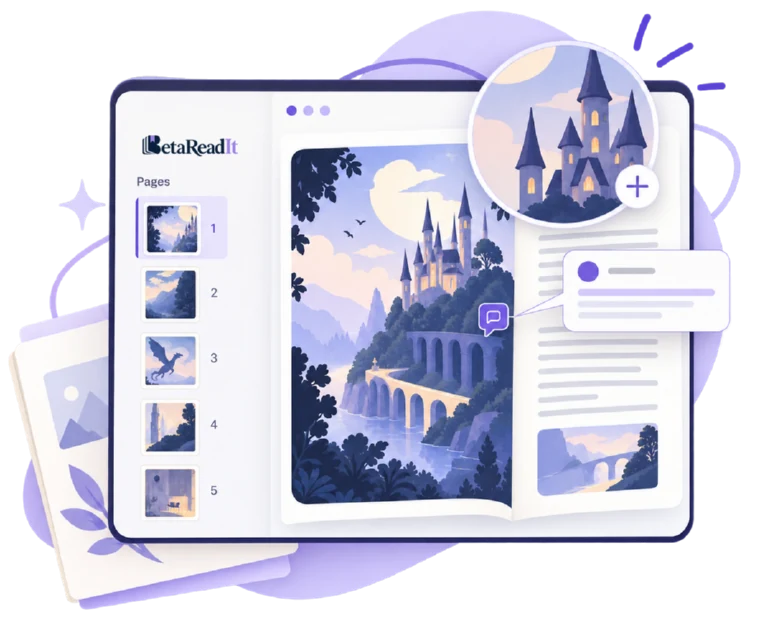
A page-by-page visual reader, with zoom and annotation on each page.

03
icon

Comics and graphic novels

PDF, CBZ or images in the same visual reader, read panel by panel.

How we protect your manuscript

Controlled, tracked and revocable access, from the first invite to the last chapter.

Simple, honest pricing

Pay for capacity, not per feature. Beta readers are always free.

Ready when you are

Give your next manuscript the reading round it deserves.

Start with one manuscript and five readers, free. Beta readers always read for free.